
AI development environment on Ubuntu
There are two types of server admins: those who back up, and those who haven't lost data yet.
If your VPS crashes or you accidentally delete a table, a snapshot from last week isn't good enough. You need daily, automated database backups.
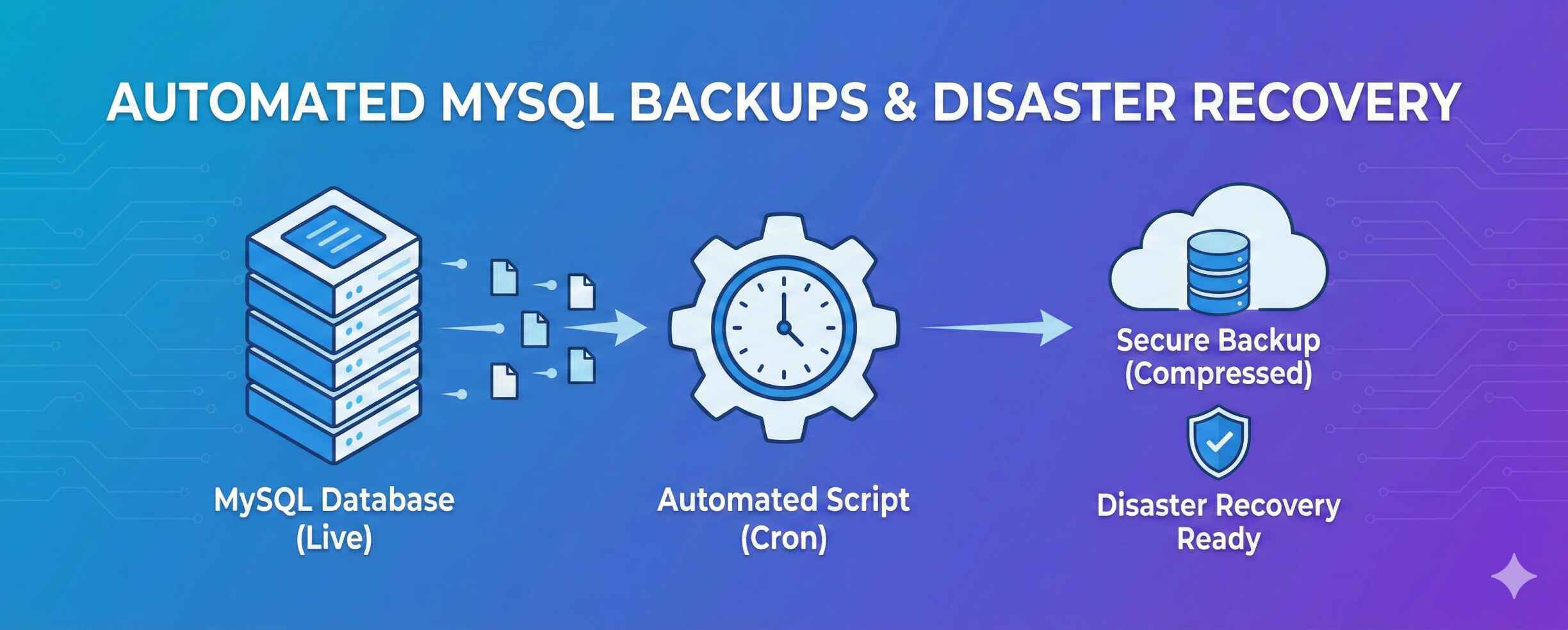
In this guide, we will write a simple script that automatically backs up your MySQL database every night and deletes old backups to save space.
Step 1: Create the Backup Directory
We need a safe place to store our files. We will create a hidden folder in your home directory.
Step 2: Create the Backup Script
We will write a small script that:
- Dumps your database to a file.
- Compresses it (zipping it) to save space.
- Deletes any backup older than 7 days.
1. Open a new file:
2. Paste this code:
(Replace YOUR_DB_USER, YOUR_DB_PASSWORD, and YOUR_DB_NAME with your real details).
3. Make it executable:
Step 3: Test the Script
Never trust a script until you see it run.
Backup Successful: db_2025-02-14_10-30.sql.gz
mysqldump: Got error: 1045: Access denied, check your PASSWORD in the script. It must be exact.
Step 4: Automate with Cron
We don't want to run this manually. Let's schedule it to run every day at 3:00 AM.
1. Open the Cron Editor:
2. Add this line at the bottom:
3. Verify the Cron Job:
0 3 * * * /root/db-backup.sh >> /var/log/db-backup.log 2>&1
You now have a fully automated disaster recovery plan. Every morning at 3 AM, your data is saved, compressed, and rotated.